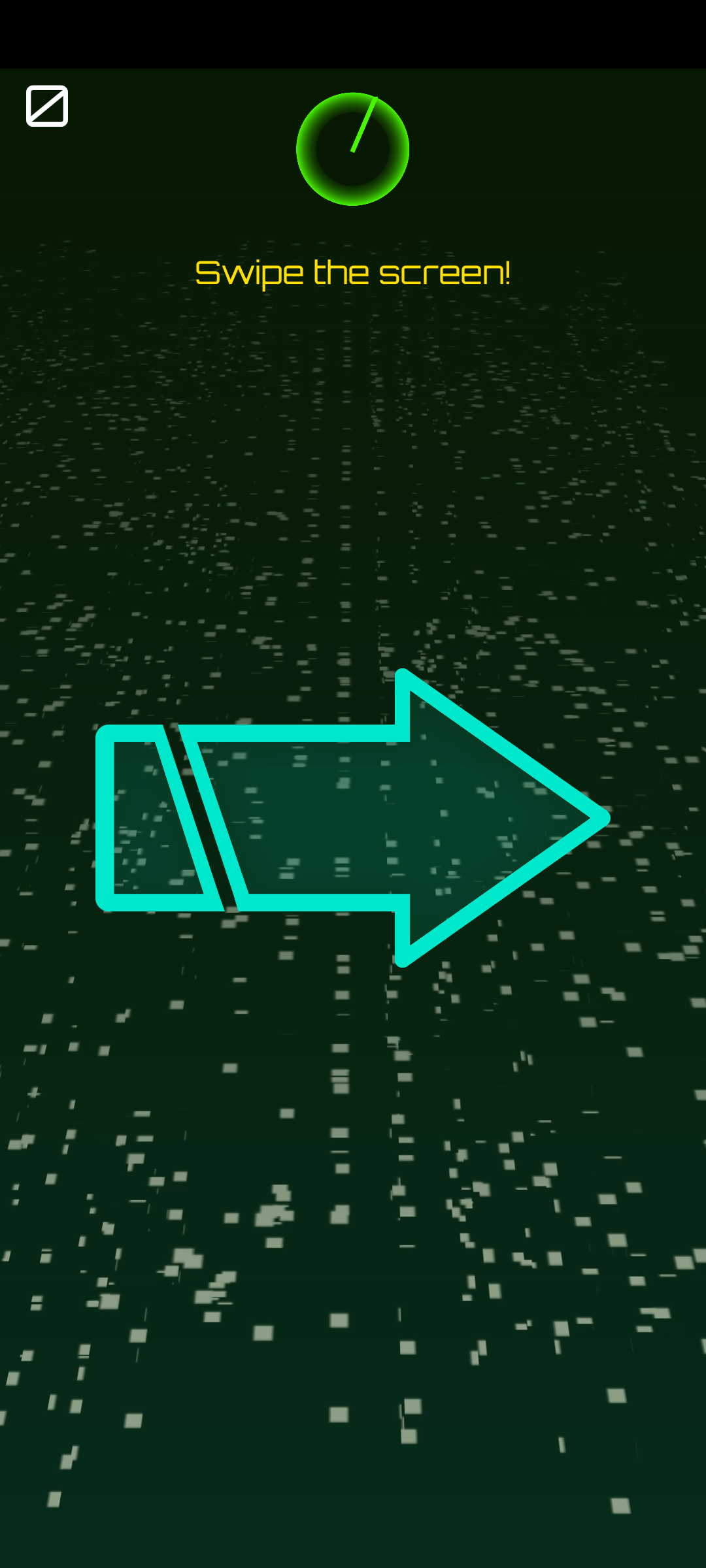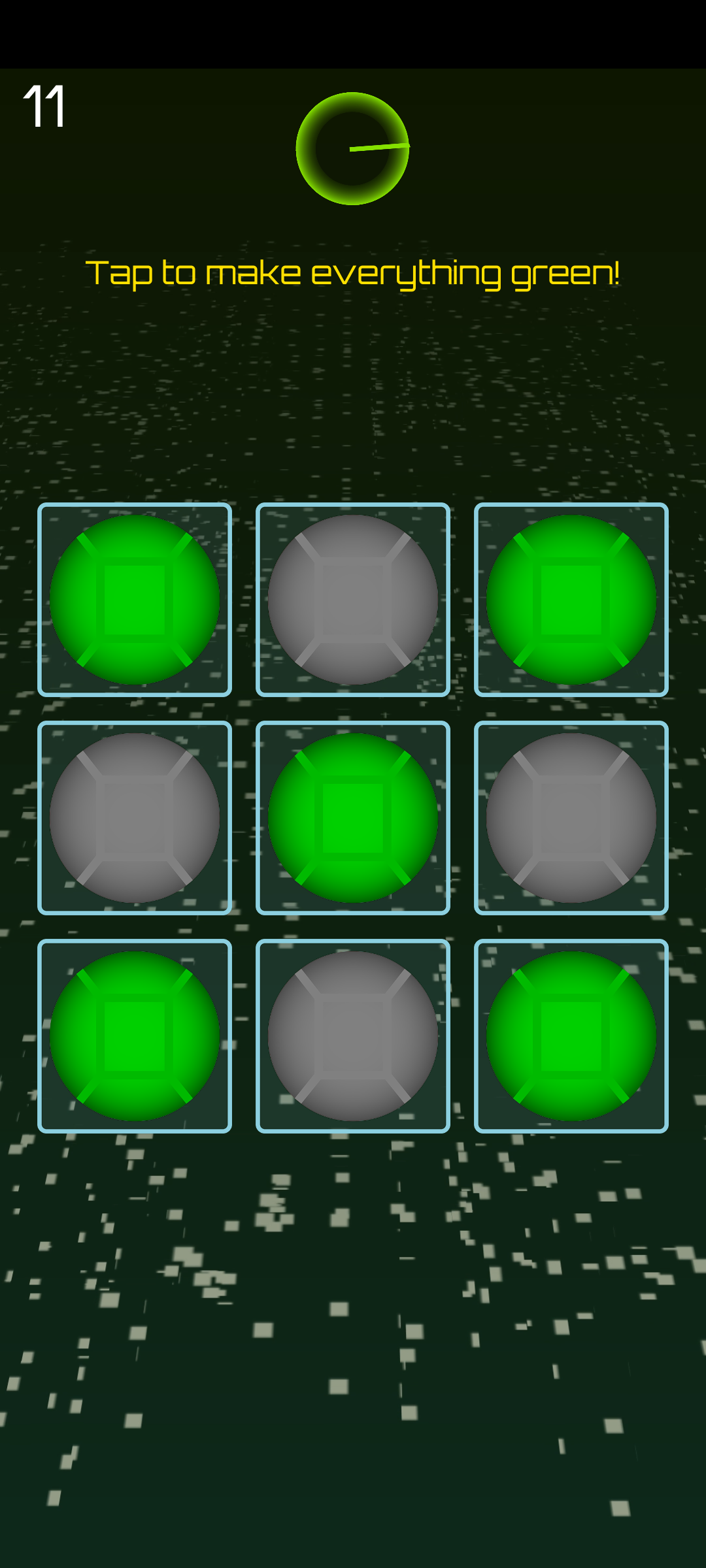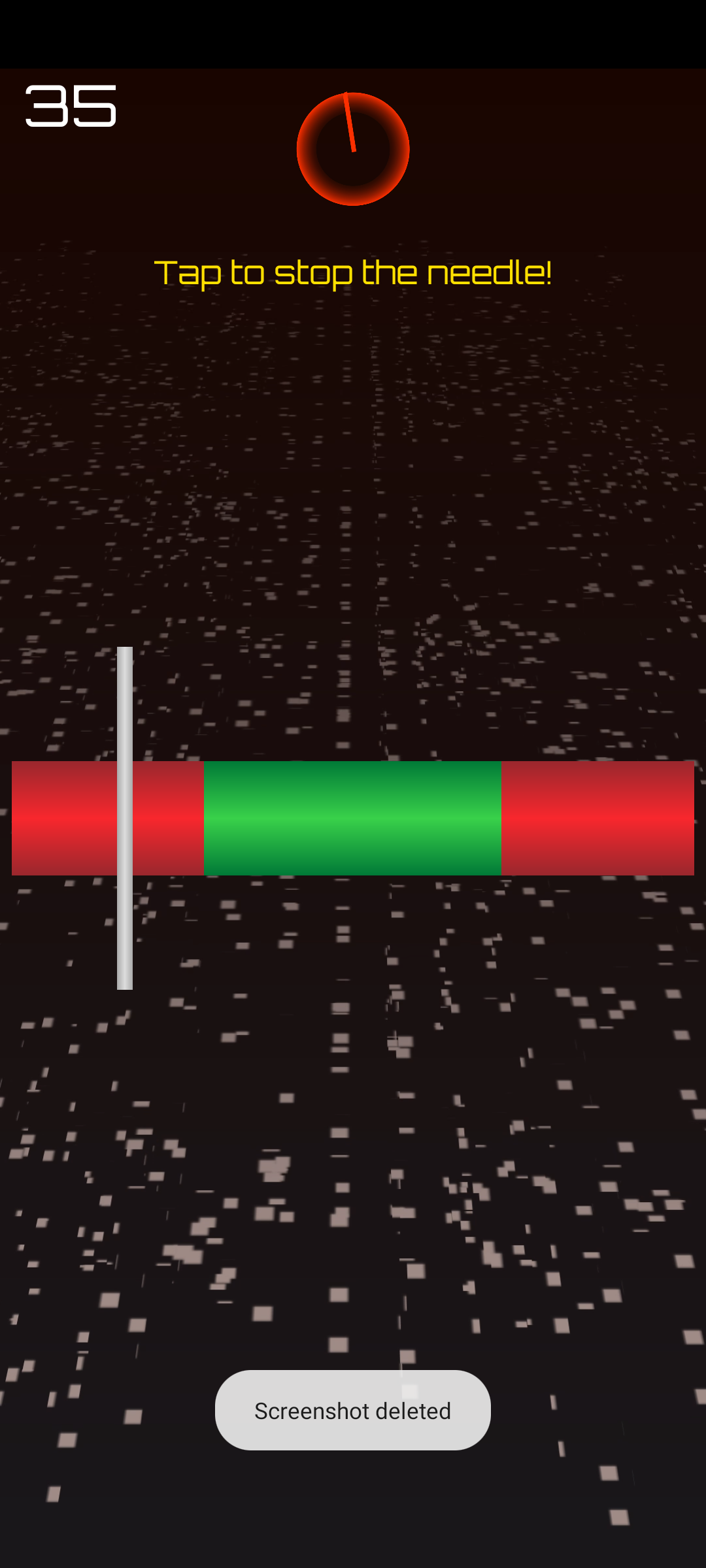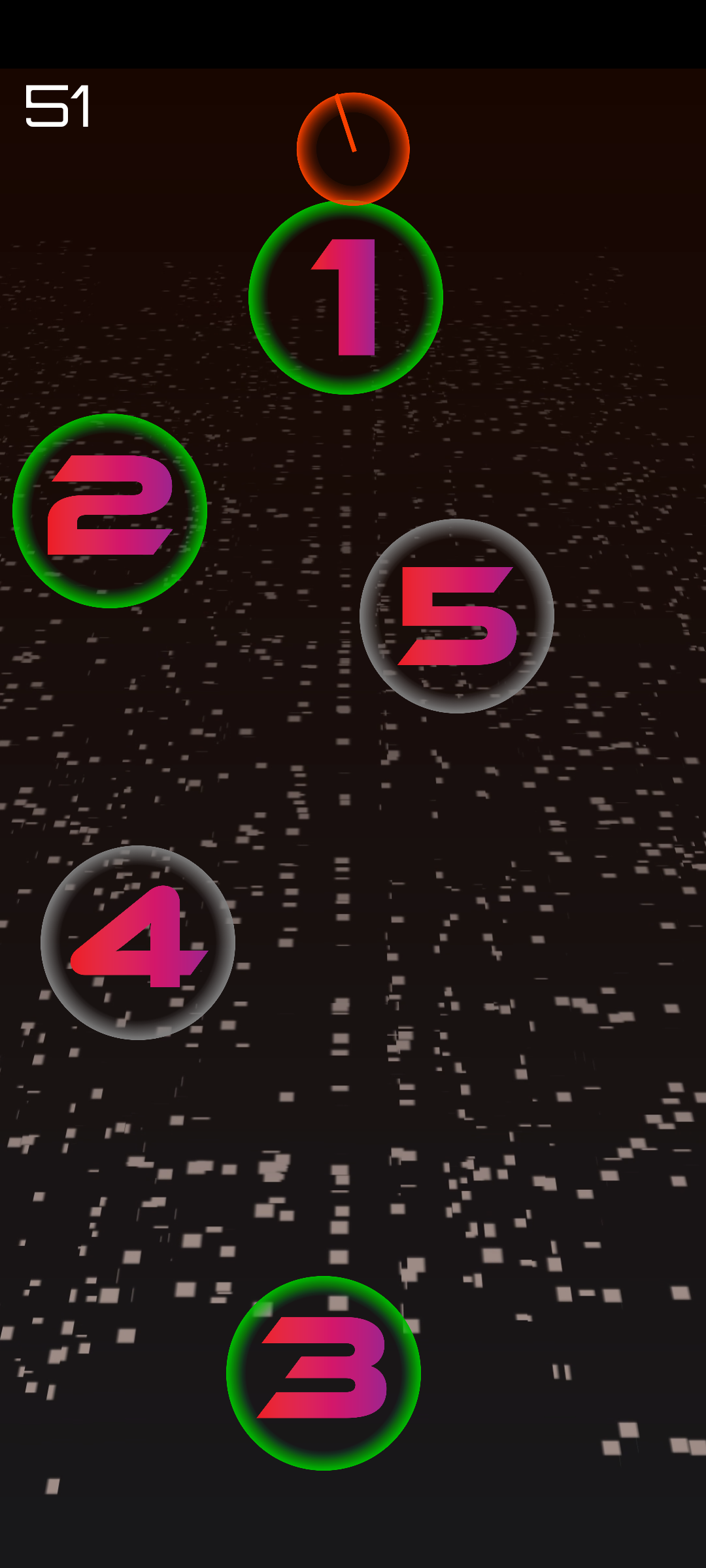


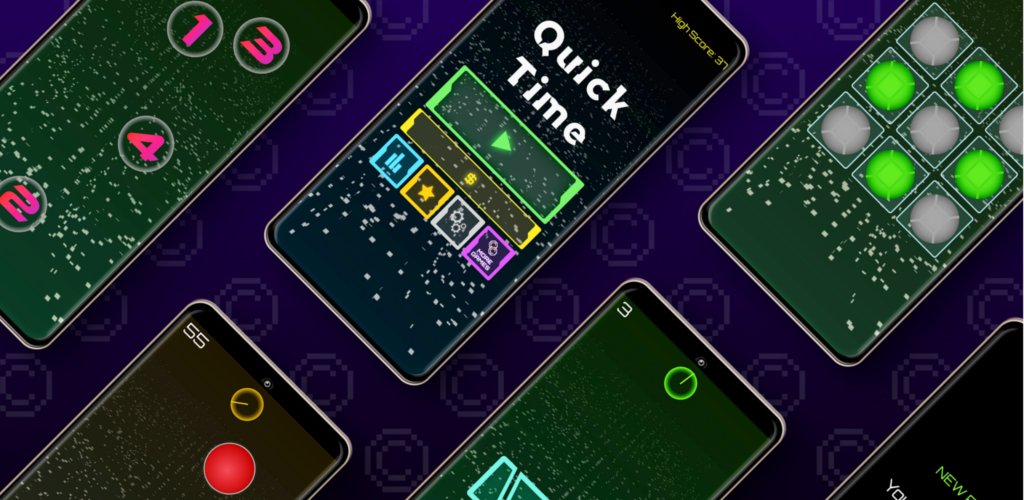

Think you're fast? Prove it. Quick Time throws microgames at you one after another: tiny games that last a few seconds each. Read the instruction, do the thing, next. Flip the switches. Find the green. Drag every slider home. Then shake the phone, freeze dead still, or flip it the right way up. Win one and the next flies in straight away; miss and the clock, or your hearts, pay for it.
A new player starts with a short tutorial, and nothing in it counts. It walks you through a touch game and a motion game (on phones with the sensor). Then it covers a few games in a row, what a miss costs, and the optional mic and camera games. You can replay it any time from Settings.
After that, every run follows the same beat:
Your score is the number of microgames you won. As it climbs, the game gets harder in two ways at once. Speed steps up every 5 points until it peaks at 50, shortening timers and speeding up anything that moves. And every microgame has its own difficulty. It rises a level every 5 points after that game first appears: more taps, more arrows, smaller targets. New microgames join the run in tiers every 5 points too, easiest first. Every game starts as simply as it can be: one tap, one arrow, one switch.
You play most microgames with your thumb. That means taps, swipes, drags and holds, plus two-finger pinches and twists in the Hands On pack. But the phone itself is part of the game too. Quick Time always plays in portrait and never rotates the screen, because some games are about turning it. There are three kinds:
The Originals guide and the three pack guides explain every microgame.
The Arcade tab has three modes:
Arcade options shape your runs in Endless and Time Attack (Classic ignores them). Time Coins unlock Hard Mode and Speed Mode. You can combine them, and they keep their own high scores and leaderboards. Hard Mode means "One life, and you start halfway up." Speed Mode means "Full speed from the very first game." Game types switches between all games, touch only and motion only. Owners of the Full Game or any pack get the detailed Microgames screen instead ("Pick what Arcade throws at you"). There you can switch whole packs, input types and groups on and off. This is also where you turn on mic & camera games.
Local multiplayer opens for 5 minutes or 3 games per rewarded ad, whichever comes first. It's always ad-free with the Full Game.
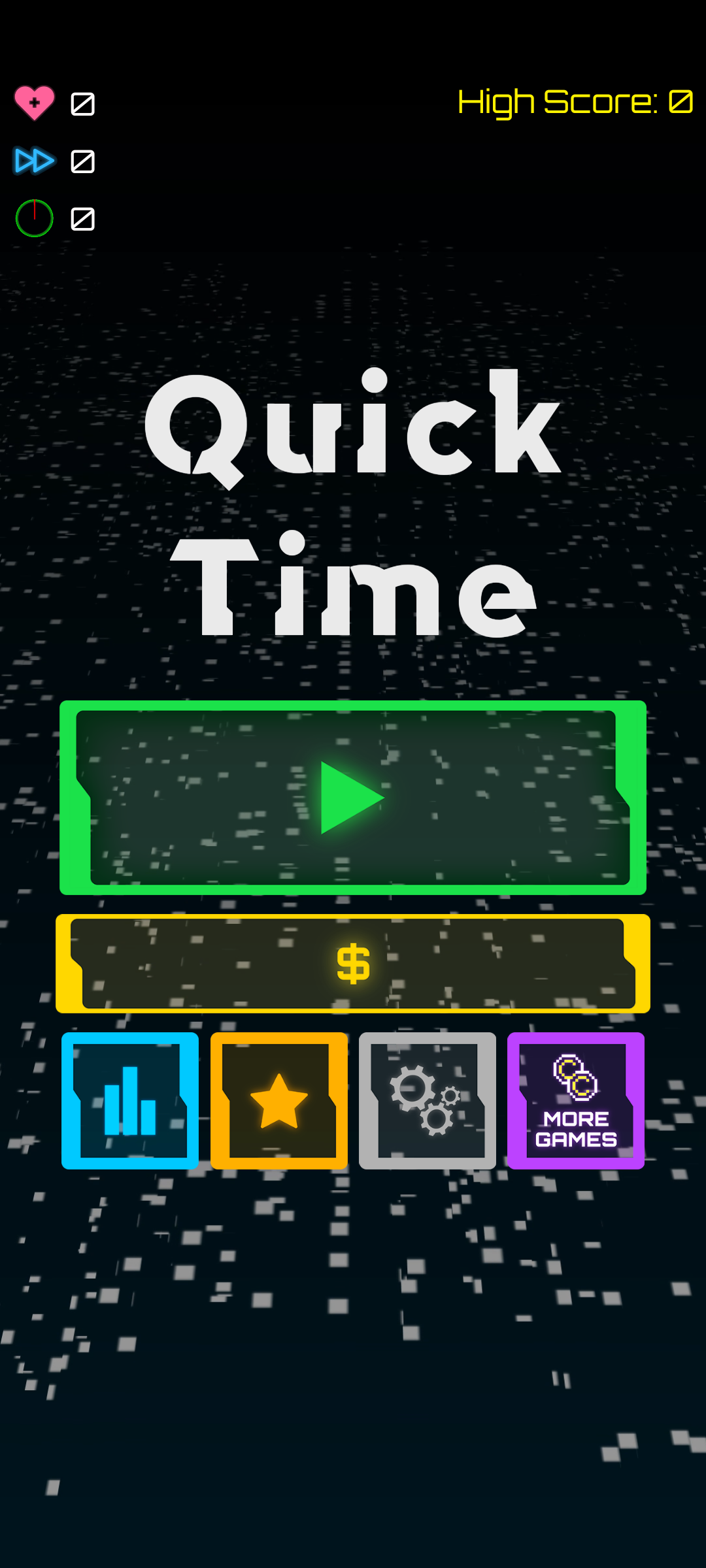
Time Coins are Quick Time's currency. Tap your coin count on the home screen at any time to jump to the shop. You earn them by:
You spend them on Time Attack, Hard Mode and Speed Mode, on challenge sets, and on power-ups. Challenge runs pay only what the challenge itself pays, and Pass & Play and All Hands on Deck pay no coins.
The shop has four tabs. Restore Purchases sits at the end of each:
Microgame packs add new games to every mode except Classic and the daily, plus a challenge set of their own.
Every pack has a TRY IT NOW button. It lets you play a quick round of each of its games before you buy. On top of that, the home screen's daily free rotation picks a handful of pack games each day. They're the same for everyone. One ad ("WATCH AD · UNLOCK A FREE SESSION") adds them to your Arcade runs for a session. You can open another session whenever that one runs out.
The Full Game is a one-time lifetime pass: "All of Quick Time, for good. Every microgame pack, every mode and unlock, unlimited challenge tries, and no ad breaks. Ever." In practice that means:
If you bought the original Quick Time's No Ads upgrade, restoring your purchases grants the Full Game.
Every ad in Quick Time is one you choose to watch for something in return. Those are a continue, Double or Triple Coins, Free Coins and an extra daily try. They also include a trial run of a set challenge, a local multiplayer session and the daily free rotation.
The one ad Quick Time offers by itself is the bonus coins offer after a run. It always shows a NO THANKS button. It pays as many Time Coins as you scored, up to 100 (a flat 50 after a Pass & Play match). It's never offered in your first five minutes or before you've finished three runs. It never appears more than four times a session, or within two minutes of the last one. It also stays away for ten minutes after you choose to watch another ad. It stays away for 48 hours after any purchase. With the Full Game it never appears.
Leaderboards. Quick Time has global leaderboards for Classic, Time Attack, Endless and Challenges. Time Attack and Endless are each split into Normal, Hard, Speed and both. Challenges ranks players by every challenge star they hold. Each has Today, Week and All Time views.
Achievements. There are achievements for every kind of player. They run from First Clear (win your very first microgame) to Century (a 100 streak in Endless, "Legend status."). Others include On a Roll and Half Century (25 and 50 streaks in Endless). Flawless is a 30 streak without losing a life. Full Set means winning 13 different microgames. Coin Collector means earning 5,000 Time Coins. Steady Hands (win Hold Still 25 times) and Shake It Off (win Shake 50 times) are in too. So is Daily Devotion (clear 7 dailies). Marathon (play 500 runs) and Micro Manager (clear 5,000 microgames) join them. So does Speed Demon (score 10,000 in a single Endless run). The packs have a set of their own: Arcade Ace, Hands On, Big Brain, High Flyer and Nerves of Steel. More are All Thumbs, Quick Draw, Genius, Pack Rat and Completionist.
Weekly Warrior (clear 4 weekly challenges) waits for the weeklies to arrive. A Records tab tracks your best scores and streak, dailies cleared, microgames cleared, runs played and coins earned.
2CID and cloud save. A 2CID is your 2CCs account. Its pitch: "One identity across every 2CCs game, with your Quick Time progress backed up to the cloud."
You claim one with just your email. The game sends a sign-in link, with no password to pick or forget. Your current progress comes with you. After that, the game backs up every high score, star and Time Coin. It tracks achievements across devices. Purchases follow you to a new phone signed in to the same 2CID, and the name on your profile is the one shown on the leaderboards. Without one you're a guest, and progress lives on that phone only. Signing out clears the phone, and everything comes back when you sign in again. You can request deletion of your account and data from Settings.
Settings has music, sound effects and haptics switches. It also has hints (the instruction above the board) and a colourblind mode that swaps the game's colours. You will find the mic & camera games switch, moving or still background animations and tutorial replay there too. Ad privacy choices, your profile, legal pages, support and credits live there as well.
Here are detailed guides to every part of Quick Time. We took them straight from how the game plays.